I thought it would be a good idea to try and make my own game engine from scratch.
The Most important element of which is being able to draw shapes to the screen, so I started with that.
First Step: Get a window to appear!
I am using SDL2 as it had the ability to send a pixel buffer to the screen, which is what I will be using to draw shapes.
#include <SDL.h>

int main(int argc, char *argv[])
{

    // returns zero on success else non-zero
    if (SDL_Init(SDL_INIT_EVERYTHING) != 0) {
        printf("error initializing SDL: %s\n", SDL_GetError());
    }
    SDL_Window* win = SDL_CreateWindow("Software Renderer",
                                       SDL_WINDOWPOS_CENTERED,
                                       SDL_WINDOWPOS_CENTERED,
                                       1000, 1000, 0);
    SDL_Event event;

    while(!(event.type == SDL_QUIT)){
        SDL_Delay(10);  // setting some Delay
    }
    return 0;
}
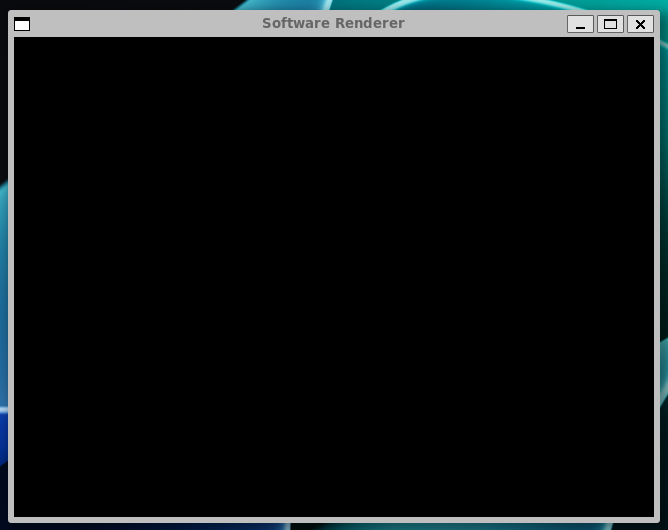
A wild window appears!
Second Step: Draw a Line!
I started with drawing a line, pretty simple I thought. If you want your line to be anything other than horizontal or vertical you need an ALGORITHM. I used Bresenham's line algorithm, which has a good article on Wikipedia
std::vector<int> points = line1->getEdgeTable().at(i);
int x1 = 150;
int y1 = 150;
int x2 = 550;
int y2 = 300;
int x = x1;
int y = y1;
int dx = abs(x2 - x1);
int sx = x1 < x2 ? 1 : -1;
int dy = -abs(y2 - y1);
int sy = y1 < y2 ? 1 : -1;
int error = dx + dy;

while (1)
{
    pixels[x1 + y1 * SCREEN_WIDTH] = 0xff0000ff;
    if (x1 == x2 && y1 == y2)
        break;
    int e2 = 2 * error;
    if (e2 >= dy)
    {
    }
    if (x1 == x2)
        break;
    error = error + dy;
    x1 = x1 + sx;
    if (e2 <= dx)
    {
        if (y1 == y2)
            break;
        error = error + dx;
        y1 = y1 + sy;
    }
}
Now, you can send the pixel buffer to be shown on the screen.
SDL_UpdateTexture(texture, NULL, pixels, SCREEN_WIDTH * 4);
SDL_RenderCopy(renderer, texture, NULL, NULL);
SDL_RenderPresent(renderer);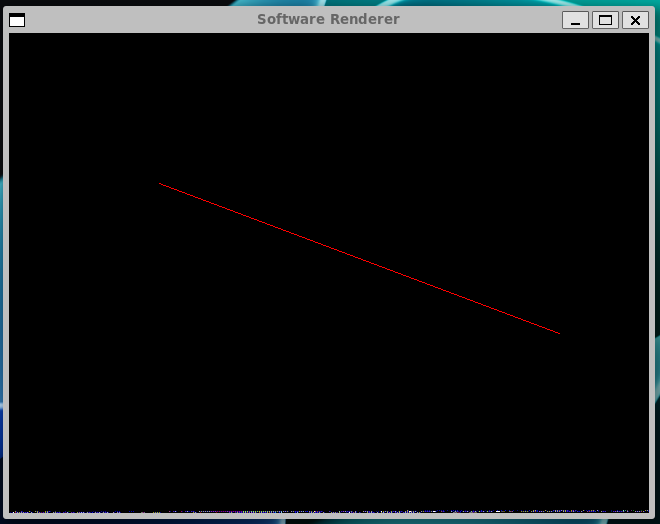
next I put everything in a class so my main function looked nice! One line of code to draw a line.
int main()
{

    softwareRenderer *renderer1 = new softwareRenderer(960, 540);

    renderer1->init();

    bool open = true;
    while (open)
    {
        SDL_Event event;

        line *line1 = new line();
        line1->addPoint(Vec3<int>{150, 150, 0});
        line1->addPoint(Vec3<int>{50, 200, 0});

        renderer1->drawPolygon(line1);

        renderer1->render();
        renderer1->clearBuffer();
    }
    renderer1->end();
    return 0;
}
Third Step: Draw a Cube!
Next I spent a while manually entering a cube into my system with the points and edges method that I had (for some unknown reason) implemented. And look at that cube!
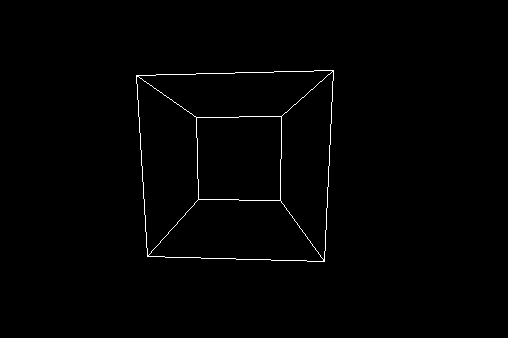
Well, I lied, there was also some projection malarkey going on
Courtesy of wikipedia I found a simple algorithm for mapping 3D space onto my 2D screen.
int projectedX = (focalLength * X) / (focalLength + Z) + (SCREEN_WIDTH / 2);
int projectedY = (focalLength * Y) / (focalLength + Z) + (SCREEN_HEIGHT / 2);
A few Triangles later and we have some perspective.
But no-one builds a Software Renderer without making the cube spin!
Easy!
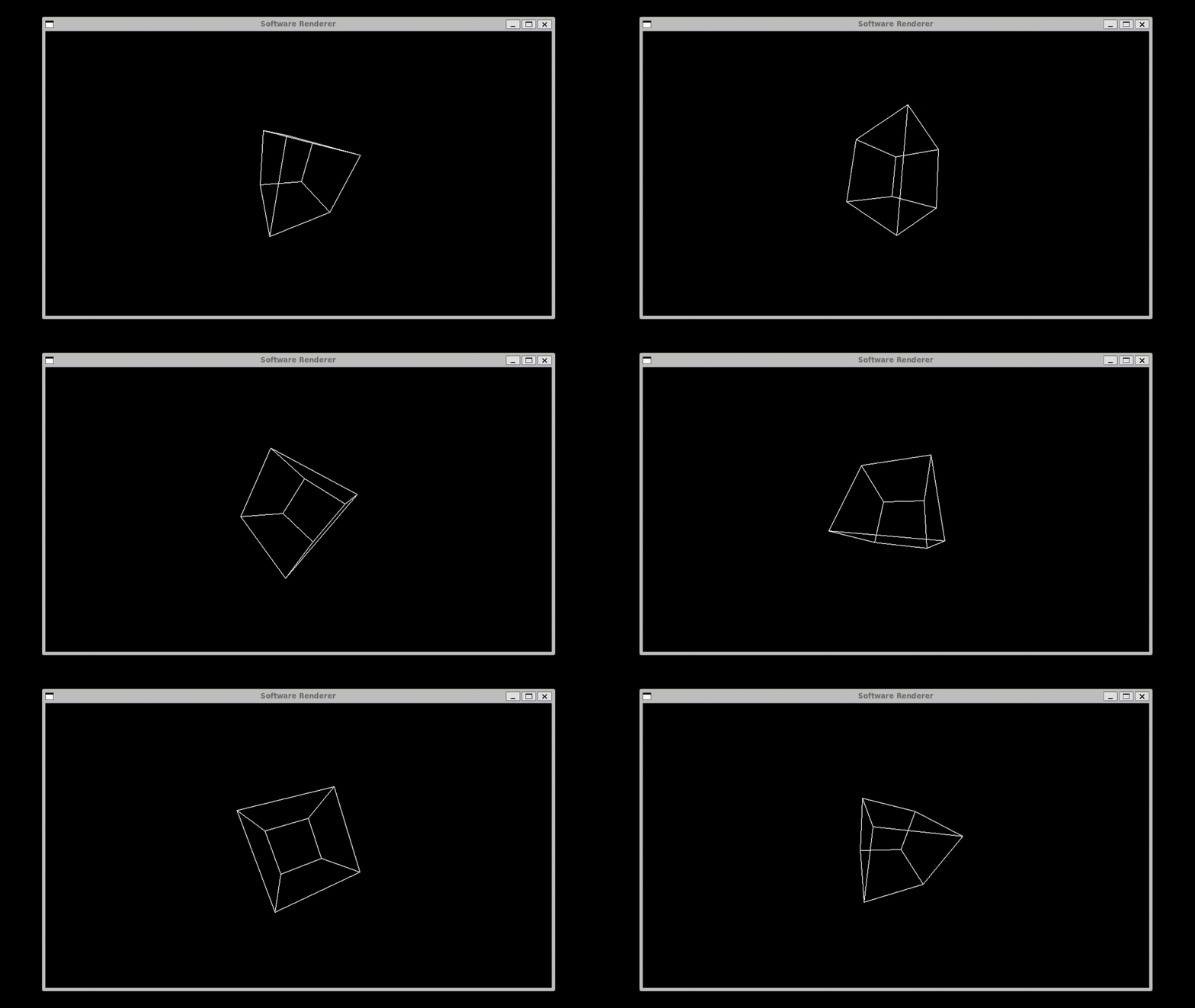
Just Kidding, here's all the fails and an explanation of how I did it.
I used the Rotation matrix for all three rotation axis. Did it in stages, rather than a single equation.
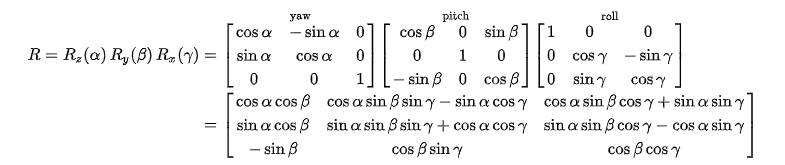 (From Wikipedia)
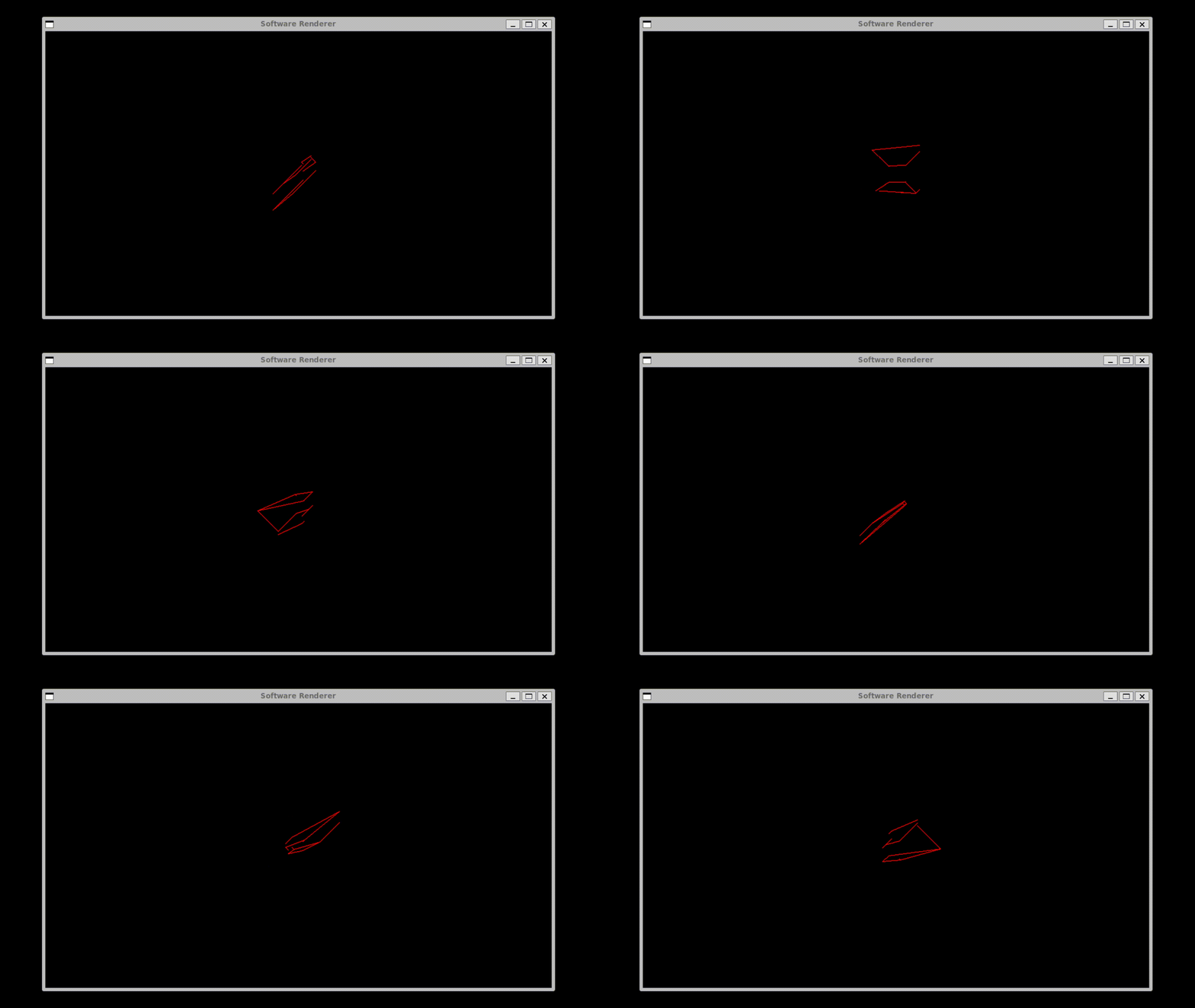
I checked my rotation matrix, and I had missed a minus sign, whoops.
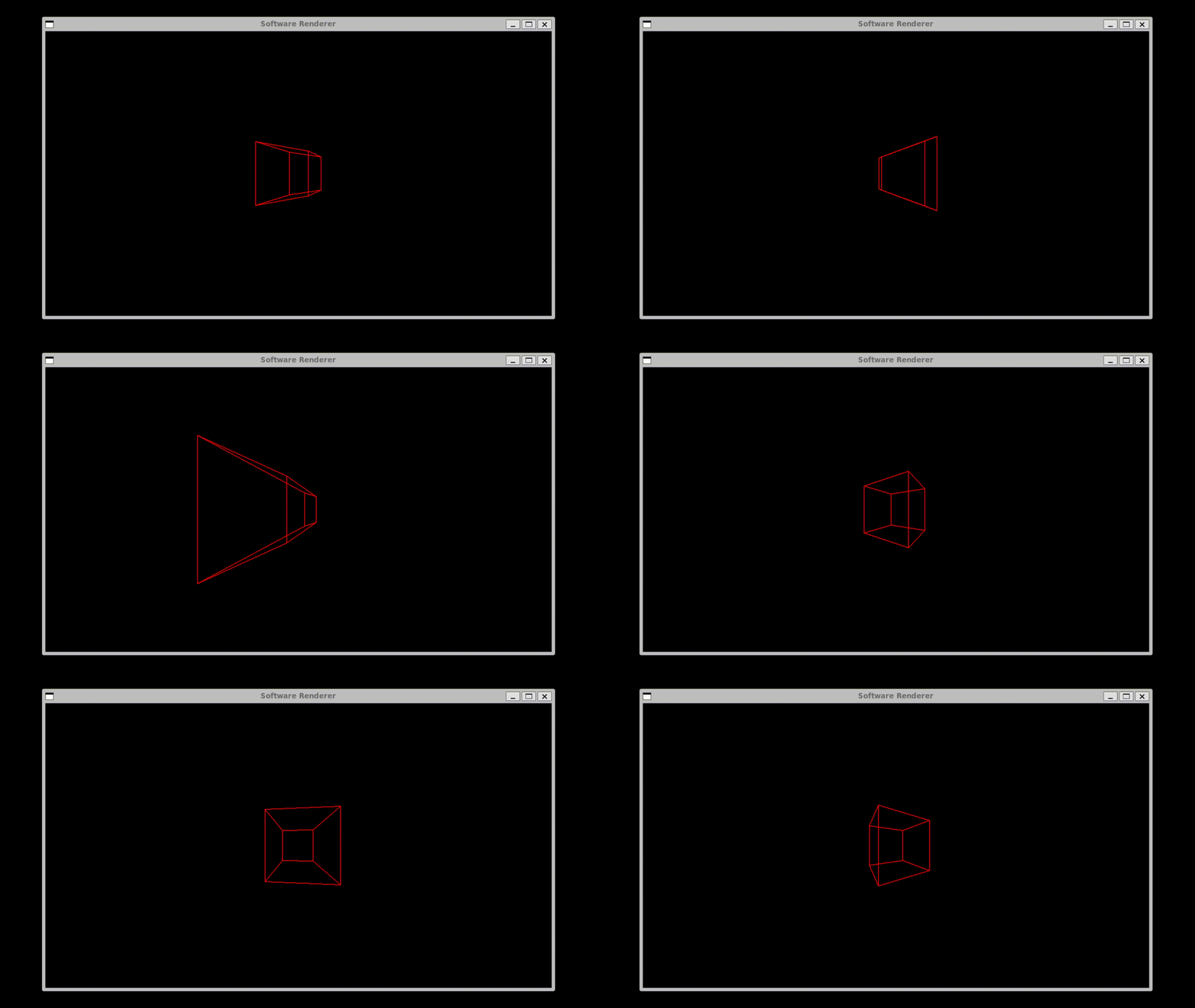
Here, the rotation matrix not using the same values throughout each axis of rotation. It would update the Xposition when doing the roll axis, then use that position when calculating the roll rotation for the Y position. Not ideal. This would probably be better to use the fancier equation to do it all in one go.
Anyway, all code is available on my Github as usual, enjoy!